Velocitymeter
What is it?
The Velocitymeter is an advanced plugin for SEUM: Speedrunners from Hell. It provides essential tools to track your speed, angles, and jump height in real-time. Boost your performance with FPS optimization, race ghosts, map shortcuts, and a powerful Level Editor suite.
All features and the download file are listed below.
In Game features
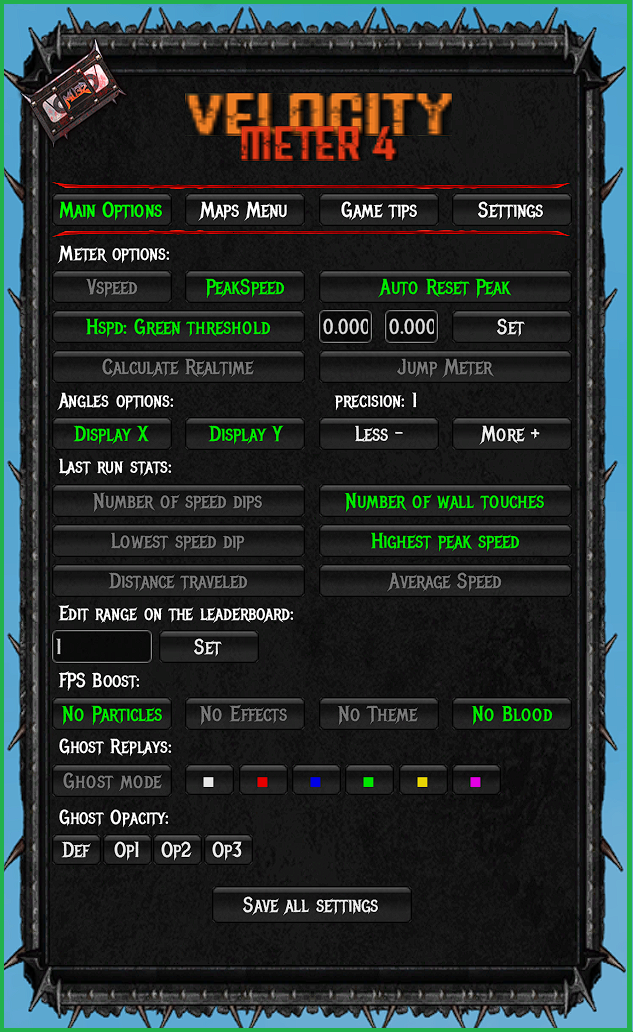
🔥 Meter options:
Displays both horizontal (hspeed) and vertical (vspeed) velocity.
Display your best peak speed above 12.18.
Every time you hit the floor, the peak speed is reset.
Dynamic velocity colors based on custom speed thresholds (Green/Yellow/Red).
Displays the precise real-time duration of your current run.
Display your jump height.
Shows your precise camera and movement angles.
Show additional information of your last run.
Enables a scrollable leaderboard to browse all player replays.
Optimizes performance by removing particles, effects, themes, and blood.
Enable it to see the ghost of any player.
How to use the Ghost feature?
- Enable the option in the Velocitymeter menu.
- Select a replay from the leaderboard and load it.
- Press the
Shiftkey to initialize the ghost data. - Start your run; the ghost will appear automatically.
Note: You can customize the ghost's color and opacity in the settings.
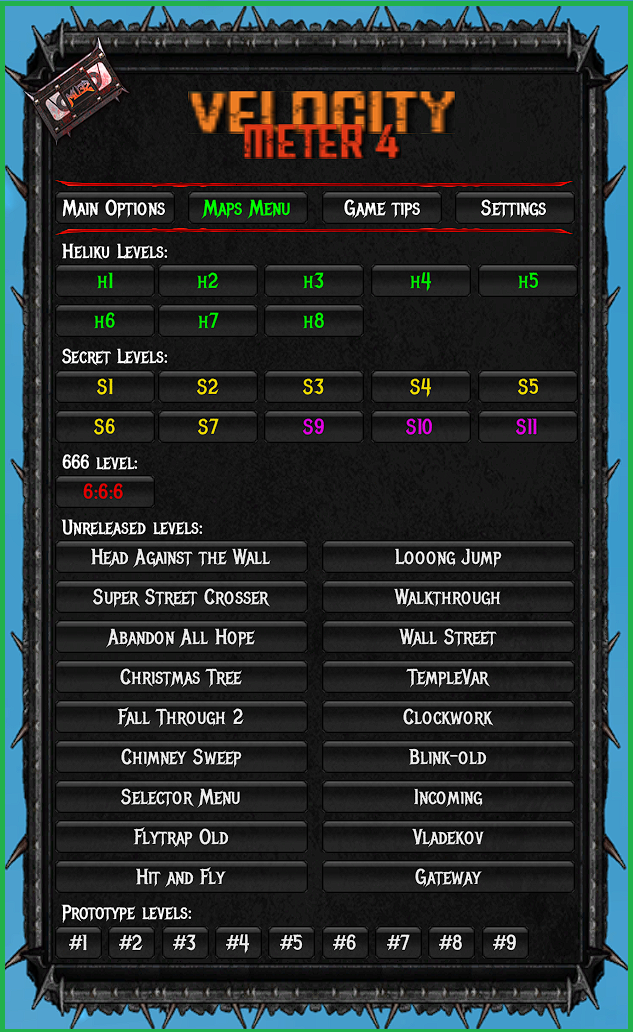
🗺️ Maps Menu:
Instantly enter any secret level by clicking its number.
Explore official maps that were never publicly released.
Access testing environments and prototype maps.
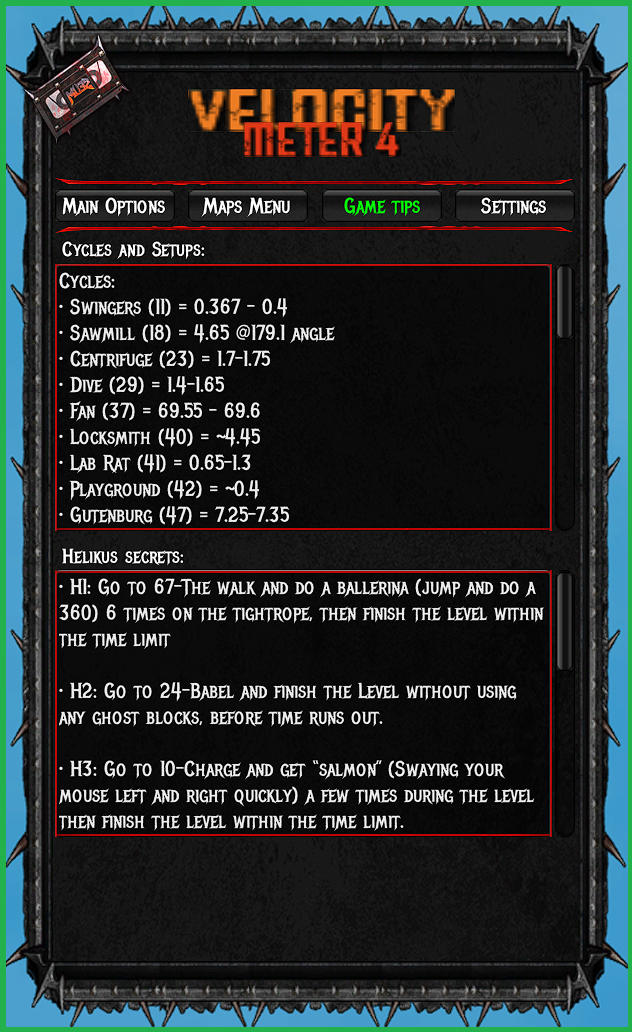
💡 Game Tips:
Save and load map cycles.
Press Q to save your current cycle, then use A or Scroll to instantly load it.
Step-by-step solutions and hints for all Hellikus secrets.
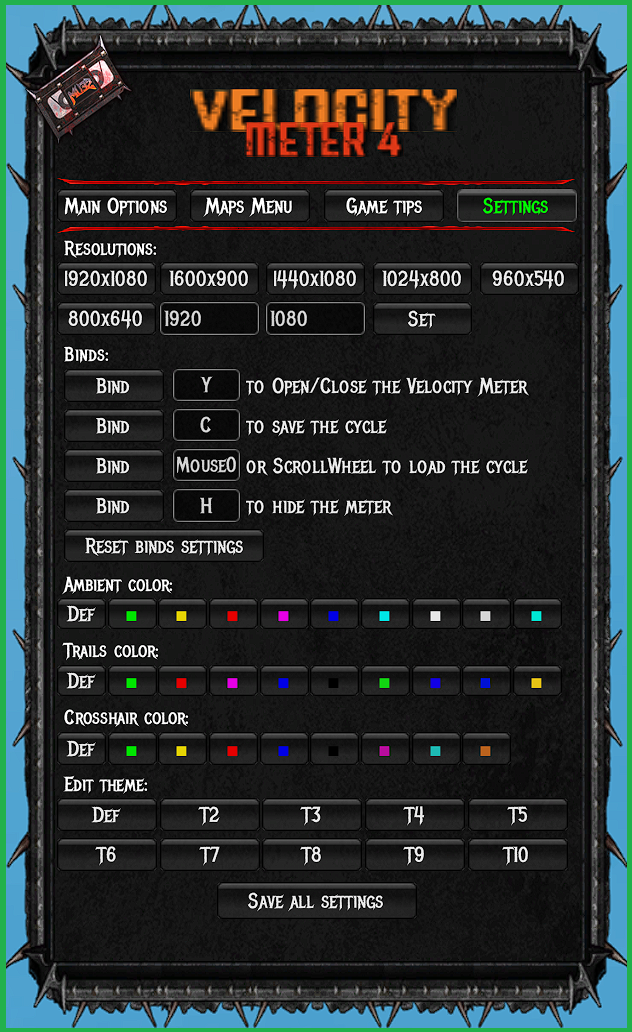
⚙️ Settings:
Set any game resolution, including non-standard aspect ratios.
Fully customize the Velocitymeter menu and feature hotkeys.
A complete editor to personalize your menu colors and UI theme.
⚠️ Important: Always press "Save all settings" to apply your changes permanently.
Pre-game Features

Access old leaderboards and watch replays from previous seasons.
Note: Official leaderboards prior to Season 7 are no longer available.
Instantly jump to any specific rank. Enter a number in the box above the leaderboard to 'scroll' directly to that position.
Level Editor Enhancements
The plugin expands the editor's capabilities by adding new assets, custom themes, entity counters, and advanced keybinds for a more efficient workflow.
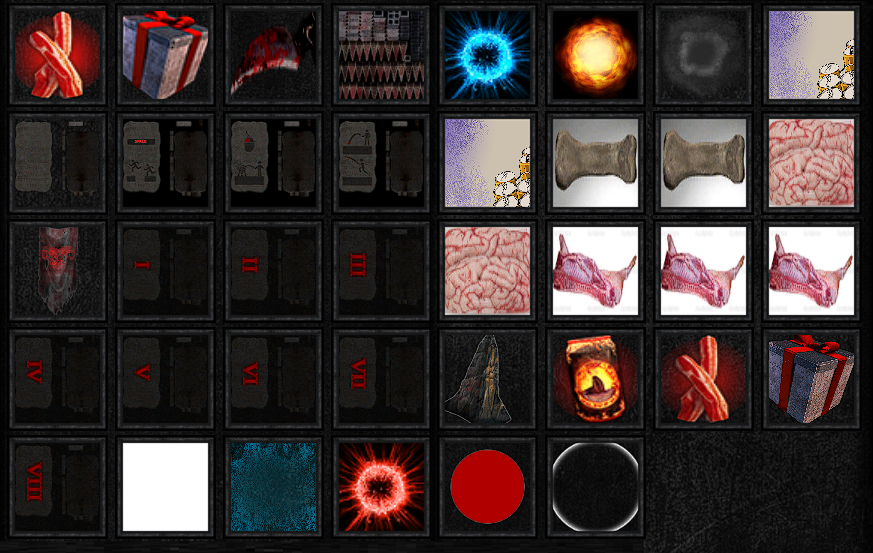
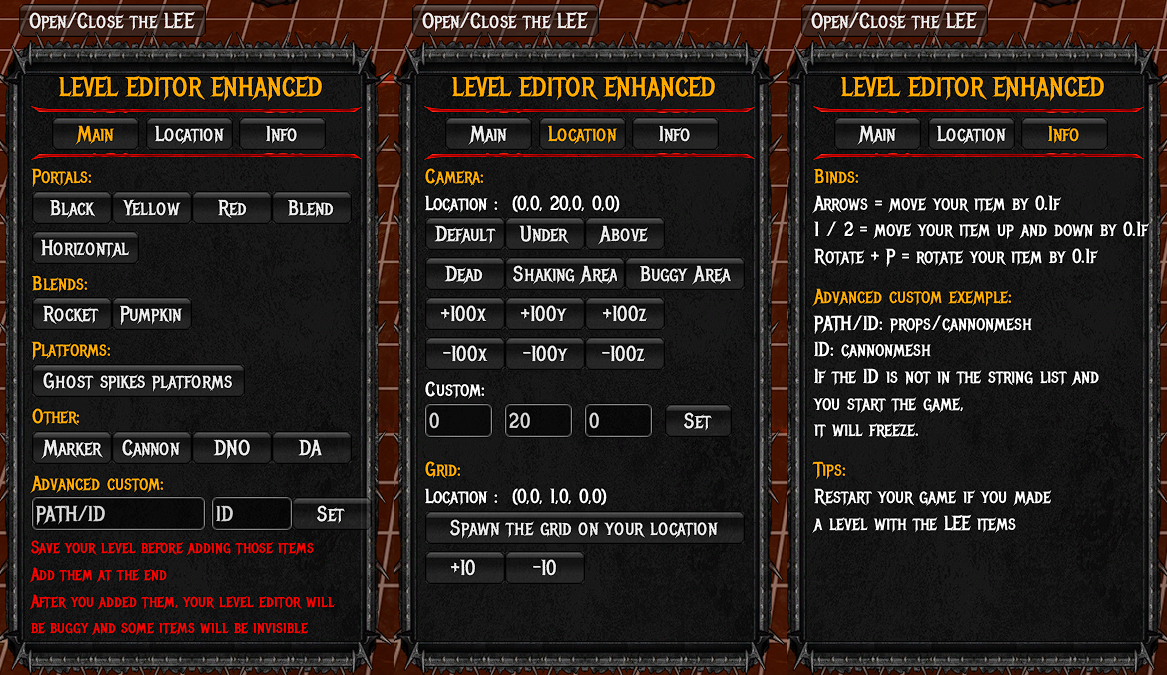
⚠️ Warning: Custom LEE items may cause editor instability. Always save your level before adding them!
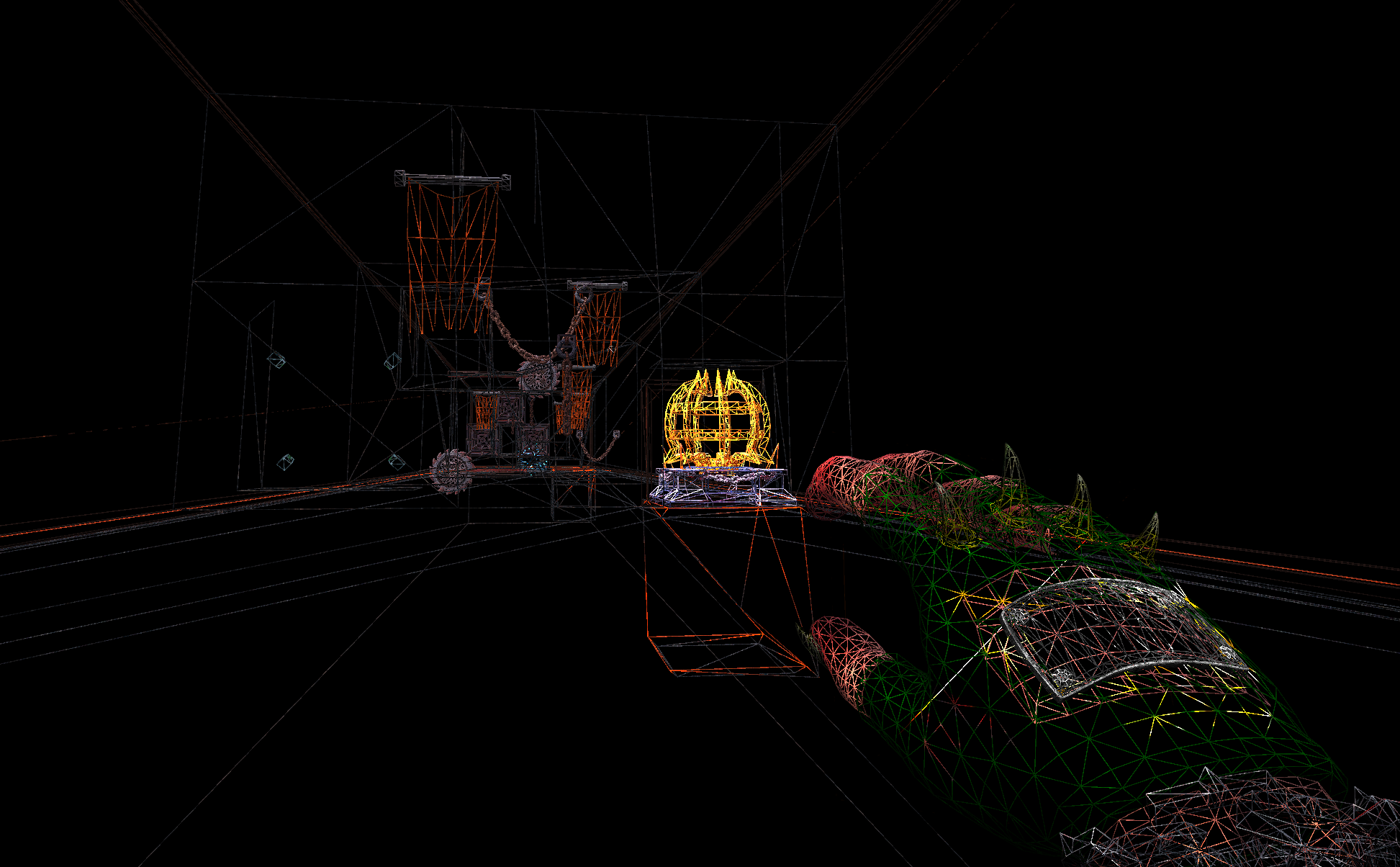
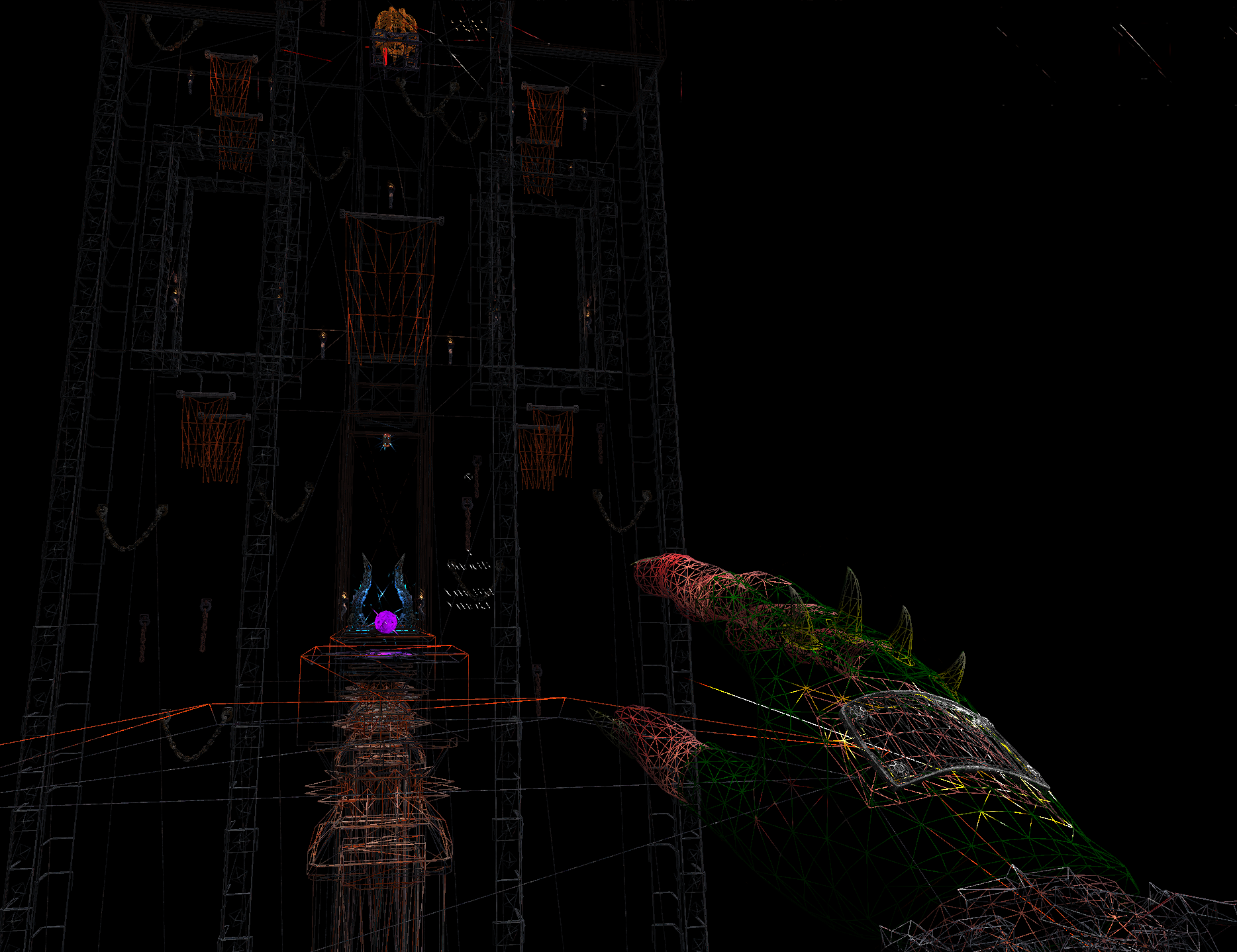
Wireframe Mode
Analyze level geometry and hidden paths with the built-in Wireframe toggle.
- Enable: Press
F8 - Disable: Press
F9
Pro Tip: For the best visibility, use this mode with "No Theme" and "No Particles" enabled in the settings.

Download & Installation
⚙️ How to install
- Download the
Assembly-CSharp.dllfile below. - Locate game folder: Steam Library > Right-click SEUM > Manage > Browse local files.
- Navigate to
SEUM_Data \ Managed. - Backup: Rename the original
Assembly-CSharp.dllto.backup. - Replace: Drop the new
Assembly-CSharp.dllinto the folder.
Press Y in-game to open the menu or F1 for help.
To uninstall: Delete the modified file and use "Verify integrity of game files" on Steam.
Credits
Link | MrGentle | Judgy | chrisstar123 | Sirius | Snail | ZM | Royal | Klooger